
Acrobat
Not sure? Worry-free Premium handles revokes for you.


Version added at: Sep 09, 2026
Size: 244.4 MB
What's unlocked in this Acrobat Reader mod for iPhone
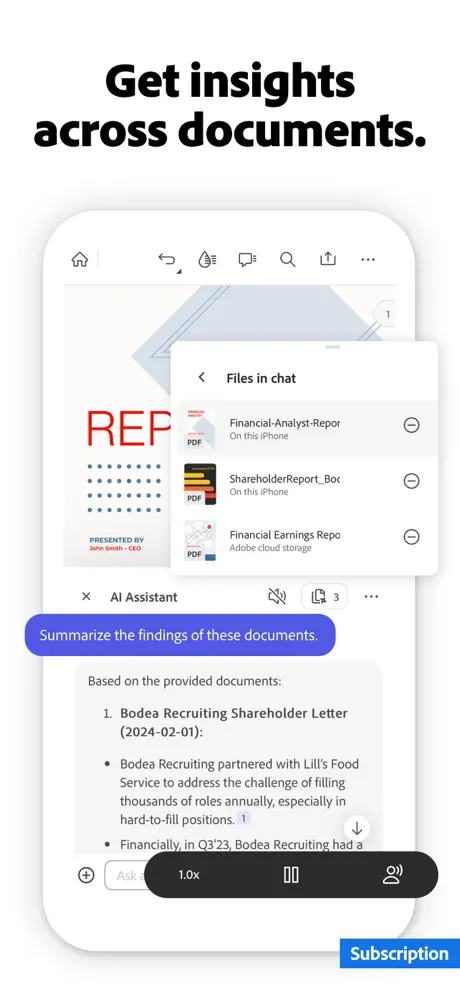
Subscription unlocked in the updated IPA, letting you activate Acrobat Reader premium features through the in-app purchase flow. Create or use a US-region Adobe account, choose a plan, then restart the app to link the subscription to your account.
Adobe Acrobat Reader keeps every PDF you touch in one place on your iPhone, now paired with the built-in Acrobat AI Assistant. Download the Acrobat IPA for iOS and read, annotate, sign and chat with your documents without ever opening a laptop.
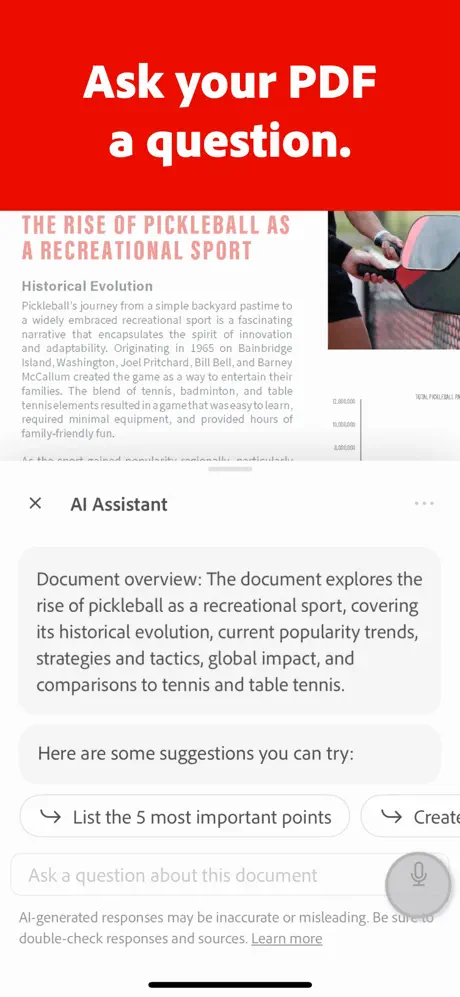
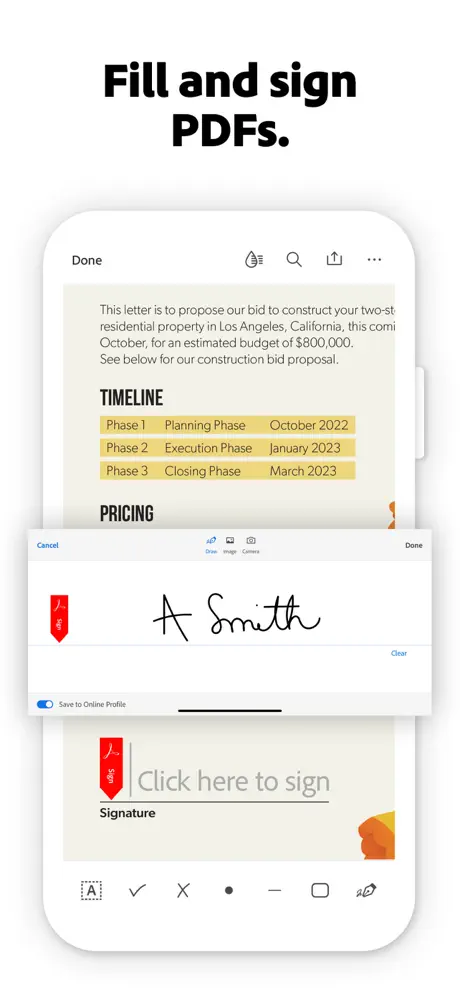
Beyond simple viewing, the app reflows dense PDFs for small screens, recognizes scanned text with OCR, and lets you fill, sign and share forms in a few taps. The AI Assistant adds a layer on top — ask it questions about a document by voice or text and get cited answers straight from the page.
Key features
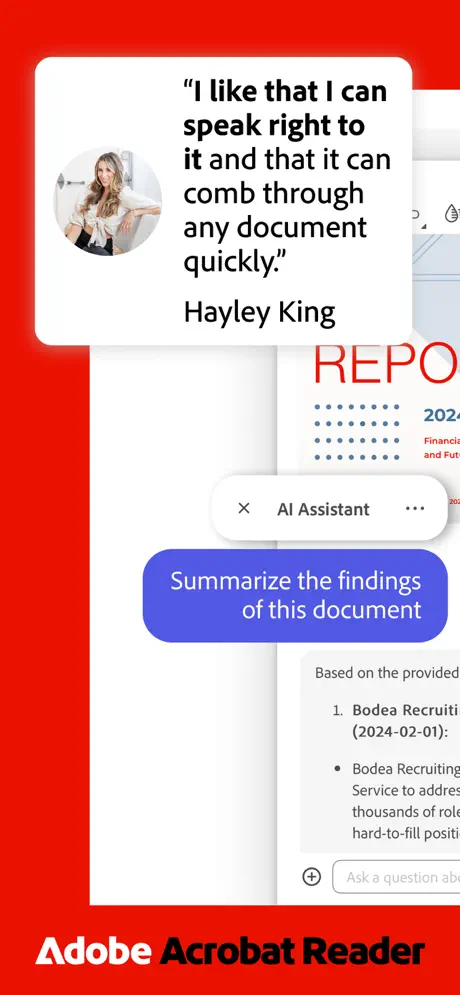
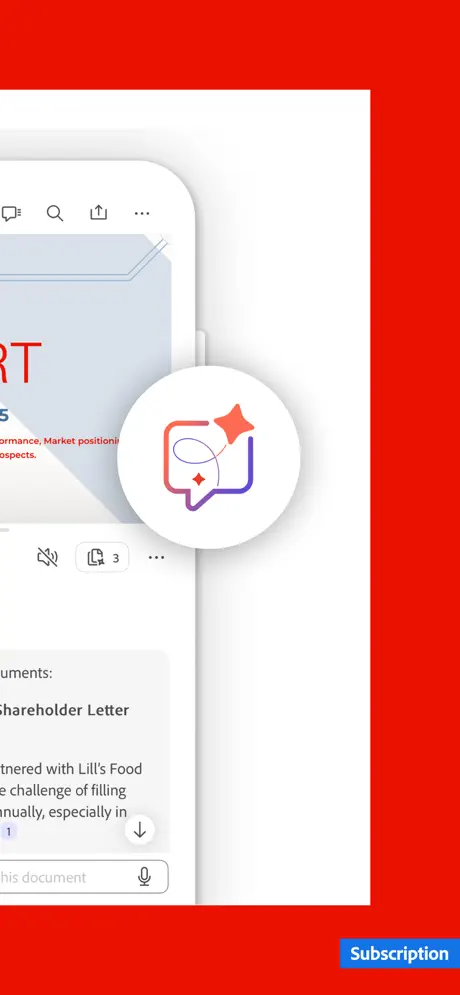
- Acrobat AI Assistant answers voice or text questions with cited sources from your PDF
- Generative AI summaries and key takeaways for long documents
- Liquid Mode reflows text and layout for easy reading on any screen
- Fill & Sign, annotate, and OCR text recognition on scanned files
- Edit, merge, split, compress and convert PDFs to Word, Excel or PowerPoint
- Cloud storage integration with OneDrive, Dropbox and Google Drive
Get Adobe Acrobat Reader on builds.io — download the IPA and install it on your iPhone in one tap, no PC.