
PDF Viewer
Not sure? Worry-free Premium handles revokes for you.


Version added at: Apr 23, 2026
Size: 42.94 MB
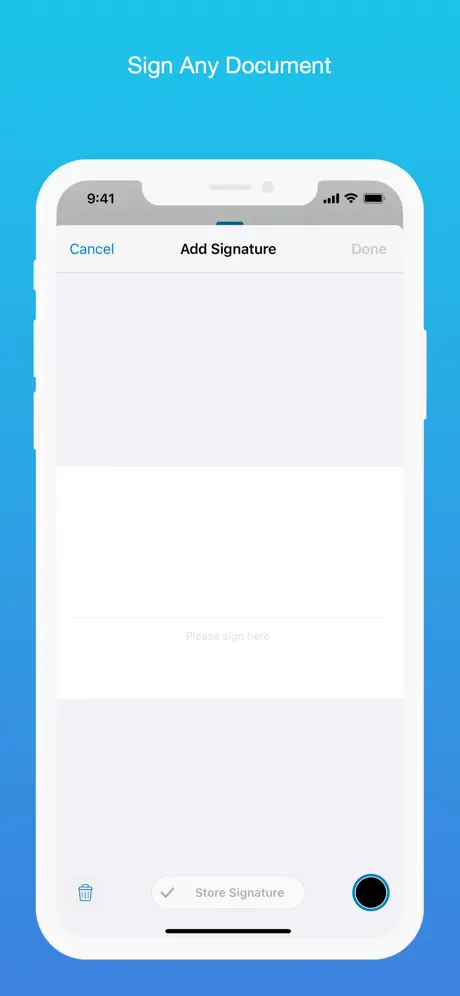
PDF Viewer - Annotation Expert Pro Features Unlocked
This modification unlocks the Pro features of the PDF Viewer - Annotation Expert app, enabling users to access advanced functionalities without any restrictions. The tweak requires a minimum OS version of 16.0 and is specifically compatible with the Trollstore platform.
Unlocked Features
- Access to all pro annotation tools
- Enhanced PDF editing capabilities
- Removal of any pro feature limitations
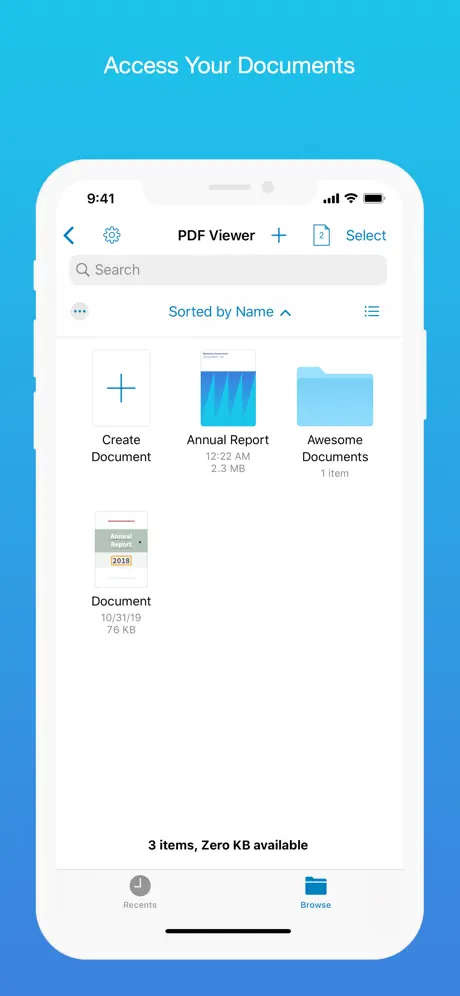
PDF Viewer is a fast, no-frills app for viewing, searching and marking up PDFs on your Mac. Get PDF Viewer on builds.io and open files straight from Finder with drag-and-drop, then search inside long documents to jump straight to the text you need.
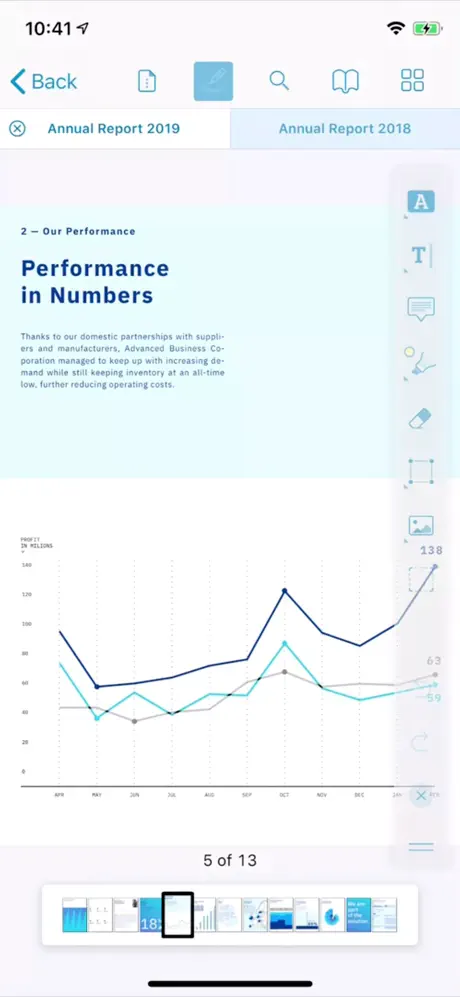
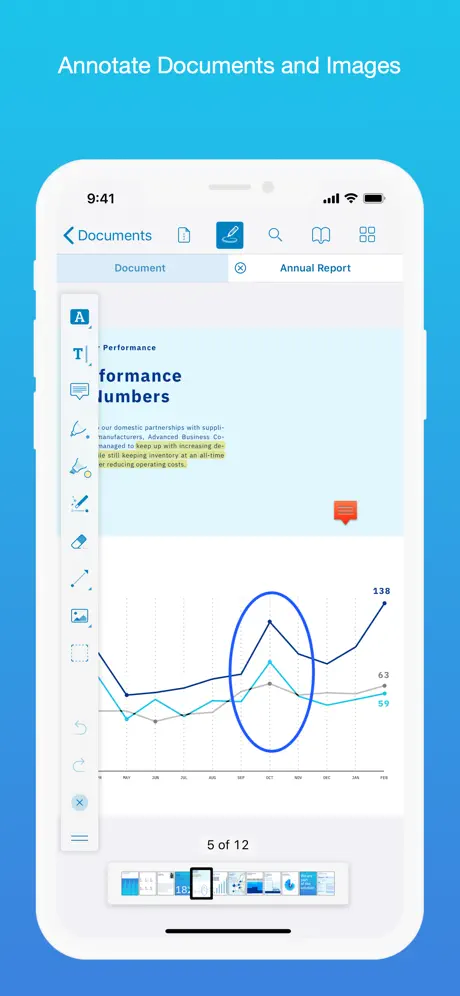
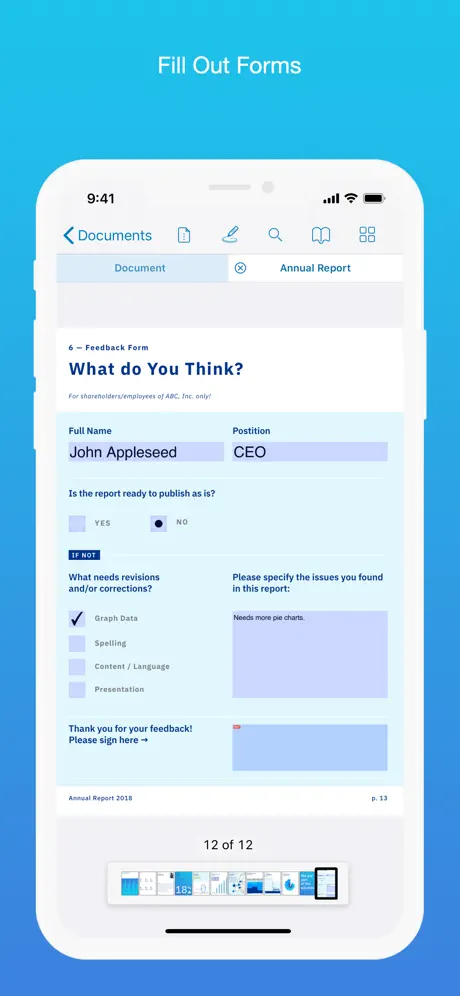
Beyond reading, PDF Viewer lets you annotate images as well as PDFs, sign documents with a personal signature, build new PDFs from scratch, and fill out forms without printing a single page — all built on the PSPDFKit engine used by companies worldwide.
Key Features
- Drag-and-drop opening plus fast in-document search
- Highlight, comment, freehand-draw and embed images or audio in notes
- Add, resize and flatten personal signatures for quick approvals
- Create, merge, rotate and bookmark PDF pages
- Fill and flatten PDF forms directly in the app
- Password-protect sensitive files and read document metadata
- Night mode and text-to-speech for comfortable, hands-free reading
Get PDF Viewer on builds.io — download it and install it on your Mac in one tap.