
PhotoSync
Not sure? Worry-free Premium handles revokes for you.


Version added at: Sep 04, 2026
Size: 35.55 MB
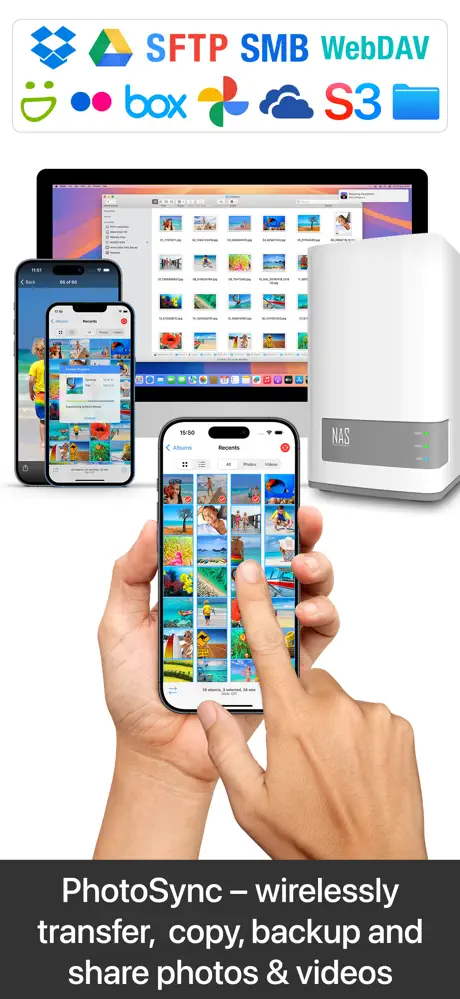
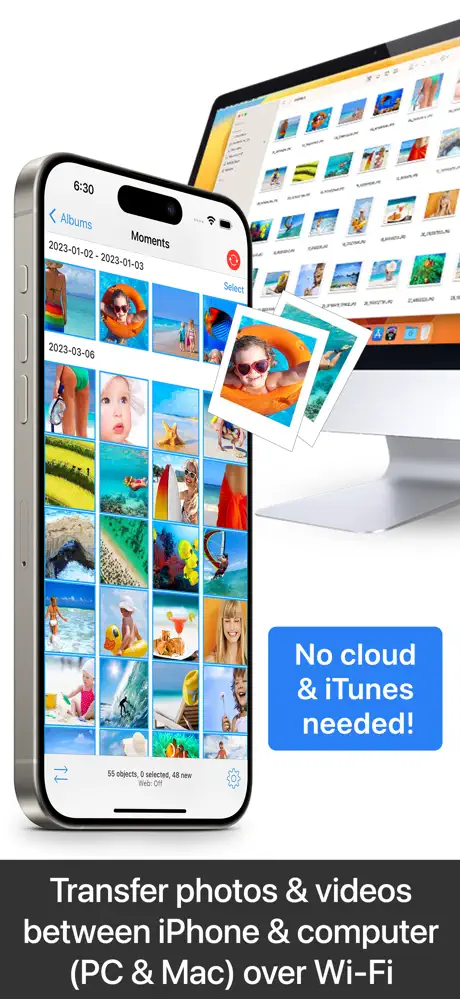
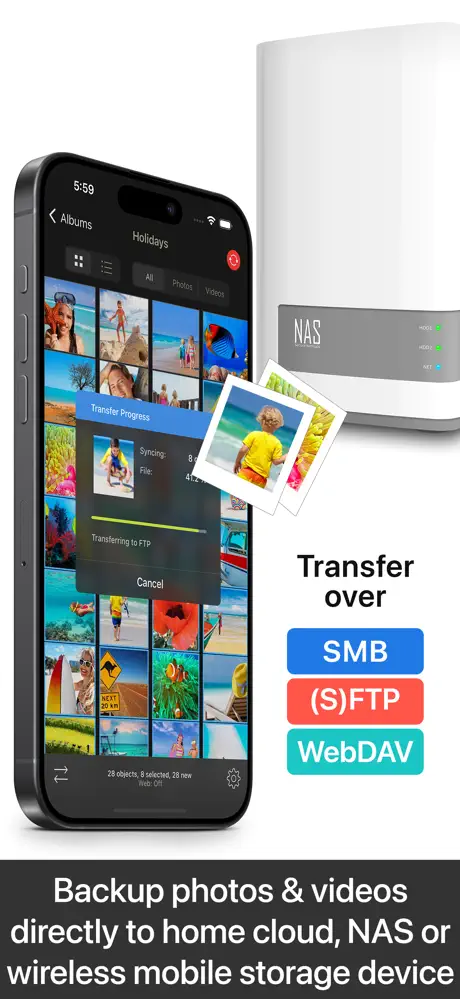
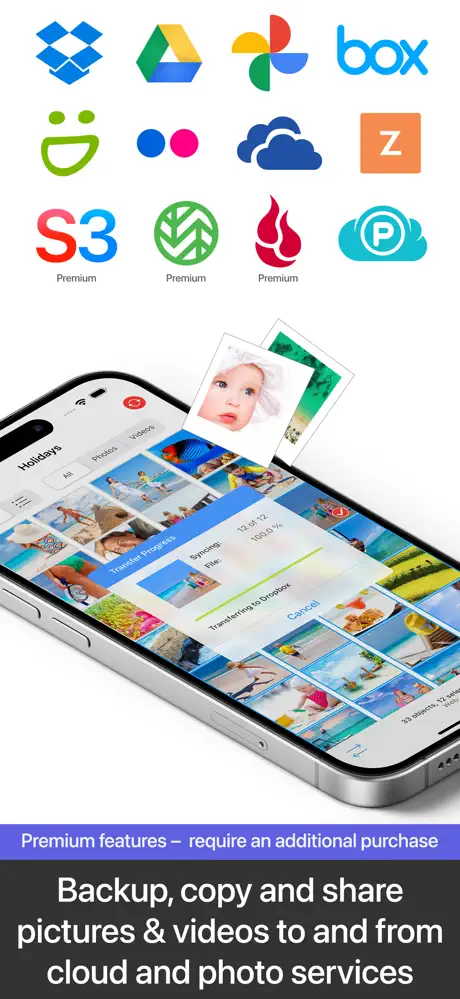
What’s unlocked in this PhotoSync mod for iPhone
PhotoSync 4.10 is patched with Premium Unlocked, giving you the paid features enabled in this updated IPA for iOS.
PhotoSync is a reliable and secure app designed exclusively for iOS devices to seamlessly transfer and backup your photos and videos without any limitations. Operating for over 14 years with continuous updates, PhotoSync ensures a trustworthy experience that preserves full-resolution images, including HEIC and RAW formats, along with all metadata such as EXIF and GPS.
Enjoy complete independence from the cloud and iTunes by transferring your media directly over your local Wi-Fi network. The app intelligently organizes your files into folders by recording date, media type, album name, and other metadata, with customizable file names to keep your gallery well-structured.
Main Features
- Transfer to and from Computer: Effortlessly send photos and videos between your iPhone or iPad and your Windows PC or Mac using Wi-Fi. No internet connection or cloud service is required. Imports go directly into your Camera Roll or a designated album.
- Transfer Between Devices: Instantly move photos and videos between iPhones and iPads via Wi-Fi, Bluetooth, or Personal Hotspot without the need for a computer or internet access.
- Backup to NAS, Cloud, and Photo Services: Securely backup your media to NAS devices and home cloud storage via FTP, SMB, WebDAV, and SFTP protocols supporting brands like Synology, QNAP, and more. Additionally, backup and transfer to USB drives, iCloud Drive, and local storage using the iOS Files app.
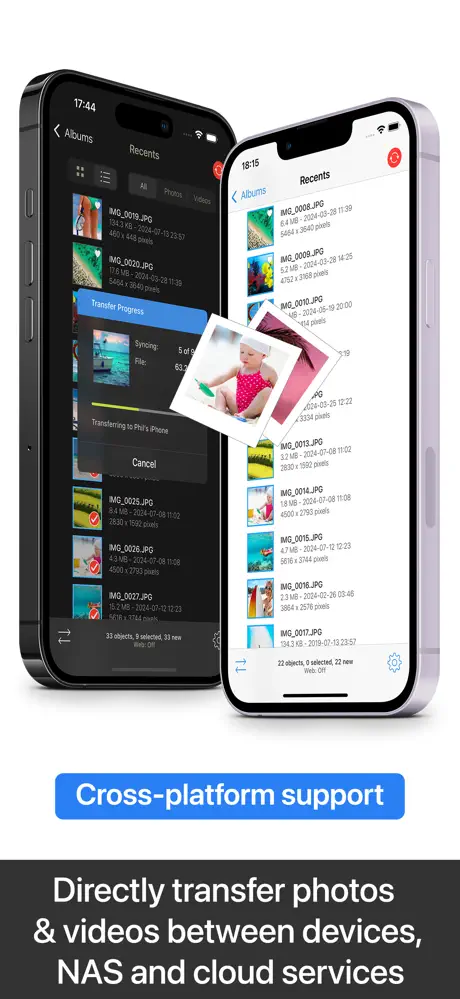
- Cross-Service Transfers: Transfer your photos and videos directly across devices, cloud services, and NAS, such as moving files from OneDrive to SMB.
Additional Advanced Features
- Automated Transfers: Configure automatic background transfers of new photos and videos to computers, NAS, or supported cloud services based on your location or device charging status.
- Advanced Camera Support: Download photos directly from popular camera brands like Canon, Nikon, Sony, Fujifilm, Olympus, and Lumix via Wi-Fi or USB, including wireless tethering and photo booth support.
- Client-Side Encryption: Protect your photos and videos by encrypting them before transfer, ensuring safe storage on NAS and file-based cloud platforms.
- Siri Integration and Workflows: Create powerful custom workflows using Siri Actions such as transferring photos from the clipboard or new media transfers.
- Support for Cloud Services and Devices: Enhanced compatibility with Amazon S3, Backblaze, Wasabi cloud services, SanDisk iXpand Loop, and Toshiba FlashAir Wi-Fi SD cards.
PhotoSync is designed to be the ultimate solution for iOS users seeking a flexible, secure, and easy-to-use app for managing their photo and video libraries. Whether transferring between devices or backing up to various storage systems, PhotoSync provides excellent control and efficiency without relying on internet connectivity or cloud subscriptions.
Note: The free version of PhotoSync allows full testing of transfer functionality but limits quality to low resolution and converts RAW and HEIC files to JPEG.