KineMaster - RAK
Not sure? Budget is fine to start.
Cheap & simpleyou'll need to reinstall
Worry-freefix it automatically, for free
Version added at: May 11, 2026
Size: 112.74 MB
KineMaster Video Editor - Pro Unlocked
This version of KineMaster has been patched to unlock the Pro subscription features without requiring a paid subscription. Users can enjoy full access to premium tools and content that are otherwise restricted in the free version.
The modification ensures that the app bypasses the subscription check after login, effectively ignoring any promotional banners urging users to upgrade to premium.
Features Unlocked
- All Pro features available without payment
- Subscription activation upon login with no actual purchase necessary
- No premium banners disturbing the user experience
KineMaster is a powerful and intuitive video editing app designed specifically for iOS devices. It offers an extensive set of professional-grade tools that allow users to create high-quality videos with ease and precision. Whether you are a beginner or a seasoned video editor, KineMaster provides a seamless editing experience with rich features tailored to bring your creative vision to life.
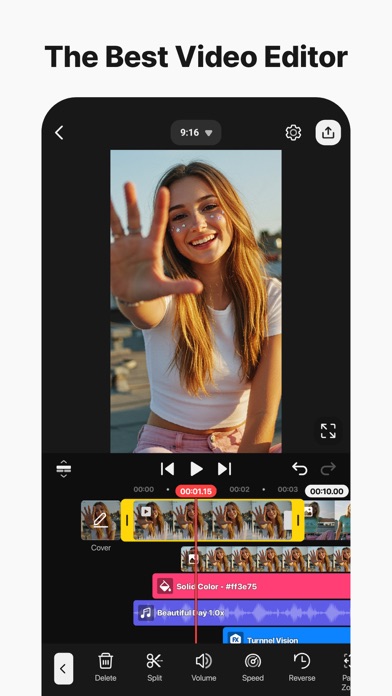
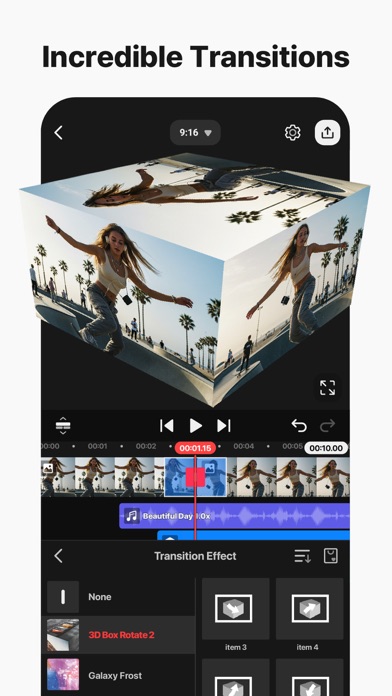
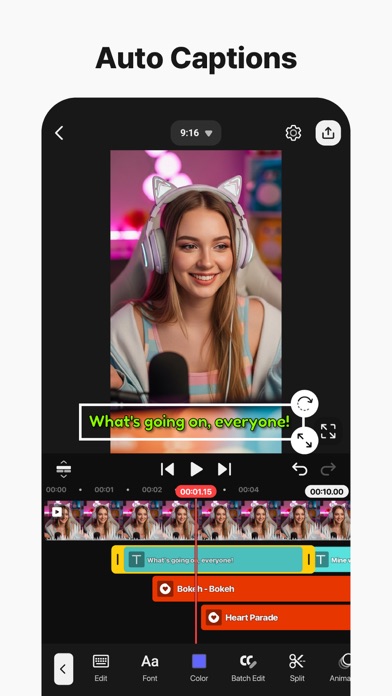
The app supports multiple video layers, images, and text, allowing for complex and dynamic storytelling. Its user-friendly interface ensures that editing can be done smoothly, enabling you to trim, splice, and crop your videos with accuracy. You can also add transitions, effects, and animations to create professional-grade results right on your device.
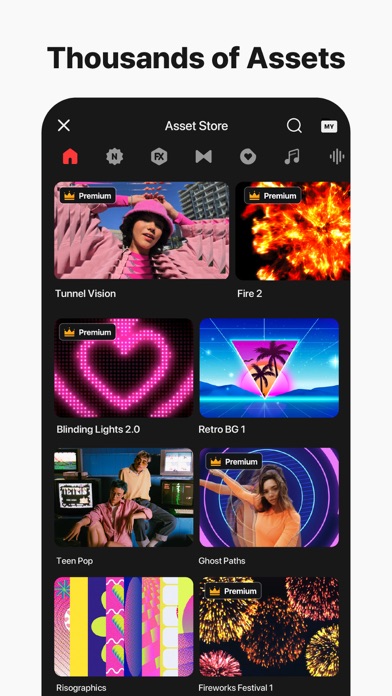
With KineMaster, you can adjust video speed, add precise volume envelopes, and utilize chroma key compositing for stunning green screen effects. The built-in asset store offers a wide range of music, effects, fonts, and stickers to enhance your projects further. All these tools work in harmony to provide you with maximum creative freedom.
Key Features
- Multi-layer Video Editing: Add multiple layers of video, images, stickers, text, and handwriting to create complex stories.
- Precision Editing Tools: Trim, splice, and crop your video clips precisely for perfect timing.
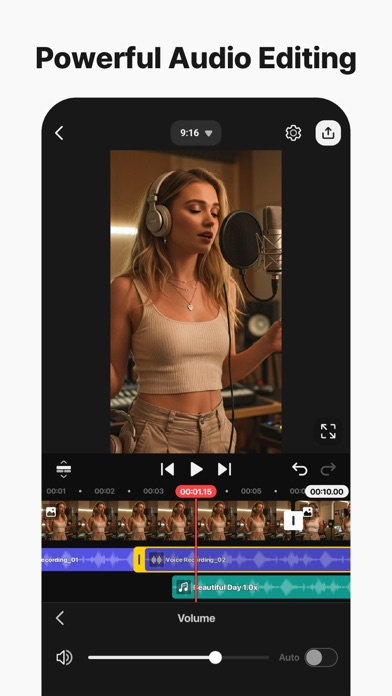
- Audio Control: Use volume envelope tools for precise audio adjustments and add multiple audio tracks.
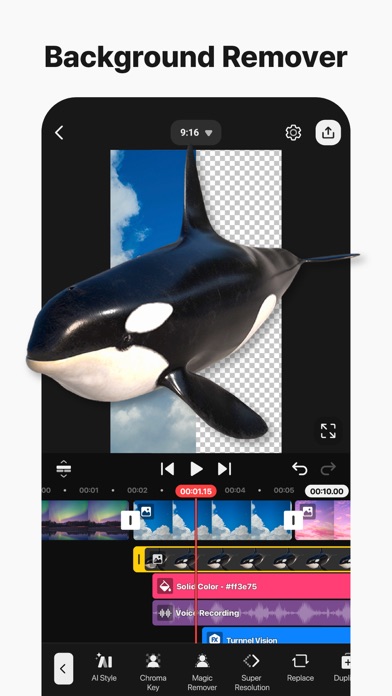
- Chroma Key: Easily remove backgrounds and create professional green screen effects.
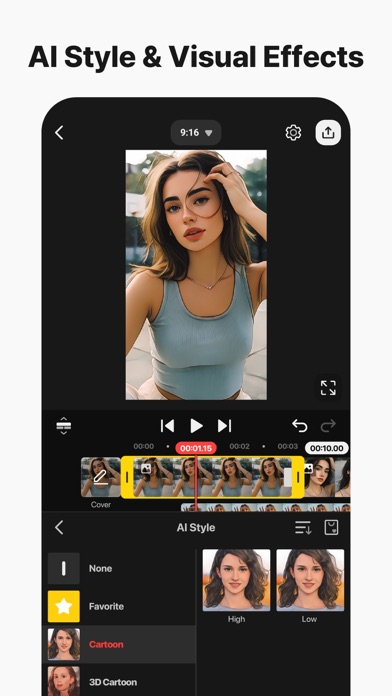
- Transitions and Effects: Apply eye-catching transitions, visual effects, and animations to enhance your videos.
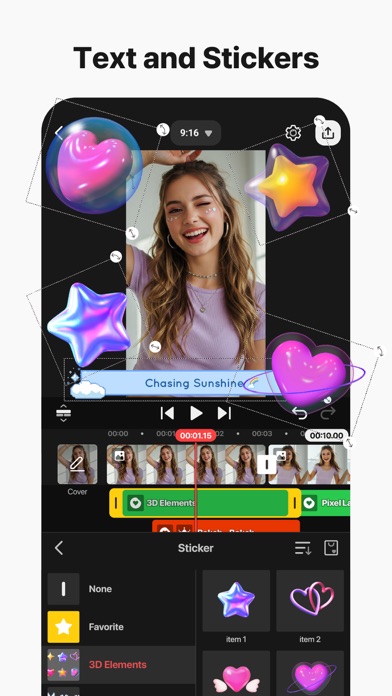
- Asset Store: Access a library of music, sound effects, fonts, and stickers to personalize your projects.
- Export Options: Export videos in high resolution up to 4K and share them directly to your favorite platforms.
Why Choose KineMaster?
KineMaster stands out by combining a rich feature set with an easy-to-use interface. It supports all the tools needed to produce videos for personal use, social media, or professional presentations. The app is optimized for iOS devices, ensuring smooth performance and quality output every time you edit.
Start creating engaging videos today with KineMaster’s robust toolset designed to meet your creative needs on the go.