
Clip Studio
Not sure? Worry-free Premium handles revokes for you.


Version added at: Sep 08, 2026
Size: 252.53 MB
What’s unlocked in this mod
Clip Studio Paint for iPhone now comes with the subscription unlocked in this updated IPA for iOS. Sign in to your account to activate the included subscription access.
Clip Studio Paint is a powerful drawing and illustration app, and you can download Clip Studio Paint IPA for iPhone on builds.io to get the enhanced build with no ads and full access to the creative tools that make digital art feel natural. If you want Clip Studio Paint for iOS with a smoother, more flexible workflow, this is the version to grab — installed in one tap, no PC required.
Clip Studio Paint is built for artists who want more than a basic sketch app. It gives you a large toolkit for painting, inking, coloring, comics, and animation, so you can move from rough ideas to finished pieces without switching between different apps. The experience is designed to work for beginners learning the basics and experienced creators who need precise control over every layer, brush, and effect.
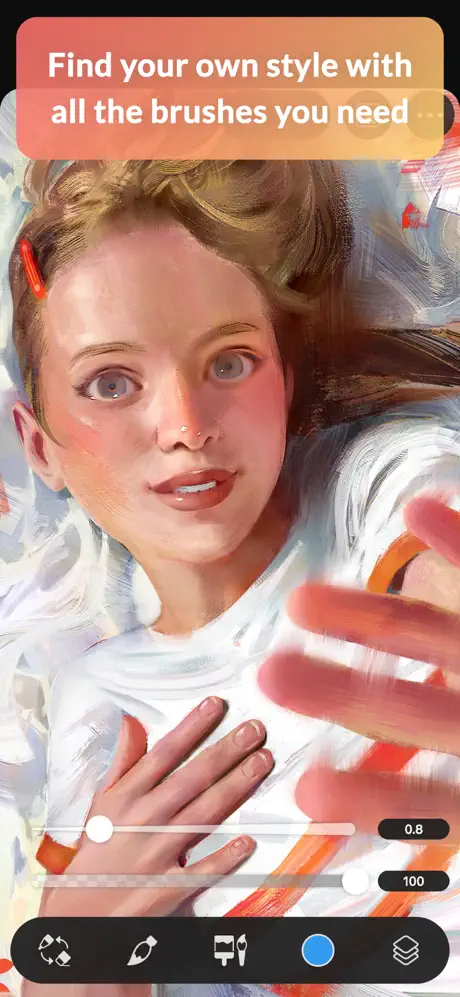
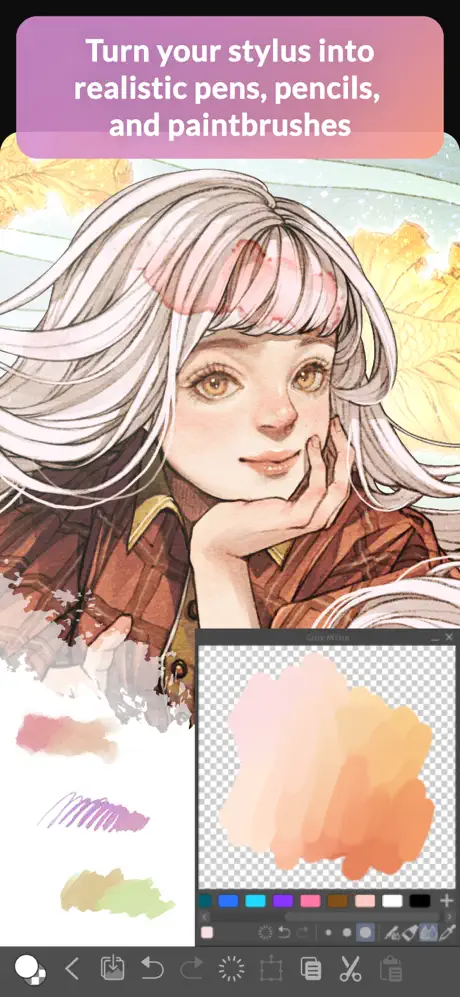
One of its biggest strengths is how much it lets you customize your art process. Brushes can be adjusted to mimic real materials, colors can be mixed in a more traditional way, and tools like transparency drawing, color matching, and shading assistance help speed up everyday work. You also get access to artist-made materials, 3D reference helpers, and advanced edit tools for refining artwork after the initial sketch.
What the Clip Studio Paint tweak adds
- No ads for a cleaner drawing experience
- Unlimited features for free during the included 30-hour monthly access period
- A broad set of brushes, pens, and brush customization options
- Community-made materials and background assets
- Coloring tools such as magnetic lasso, lock transparency, Shading Assist, and Color Match
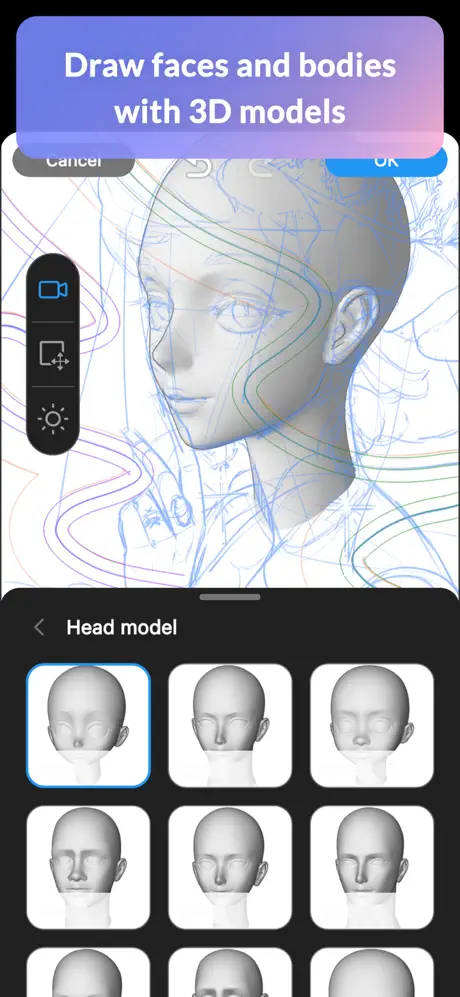
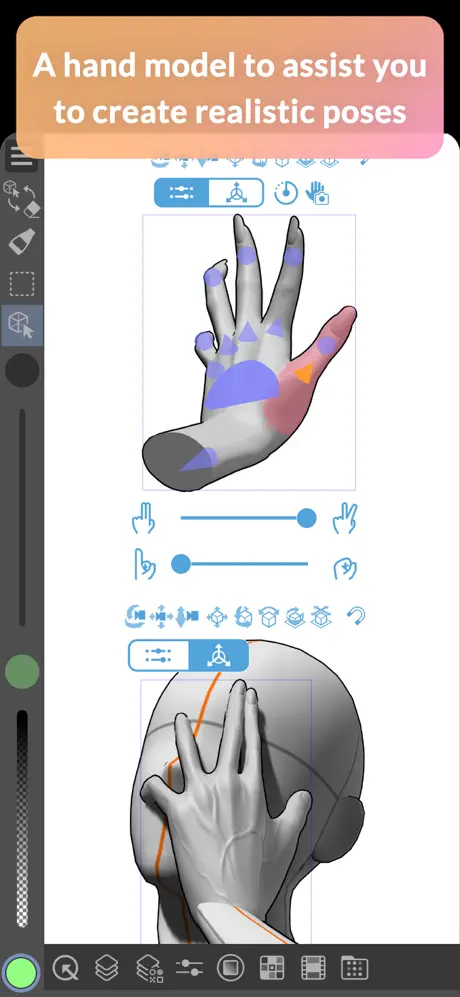
- 3D figures, face and body customization, and perspective reference tools
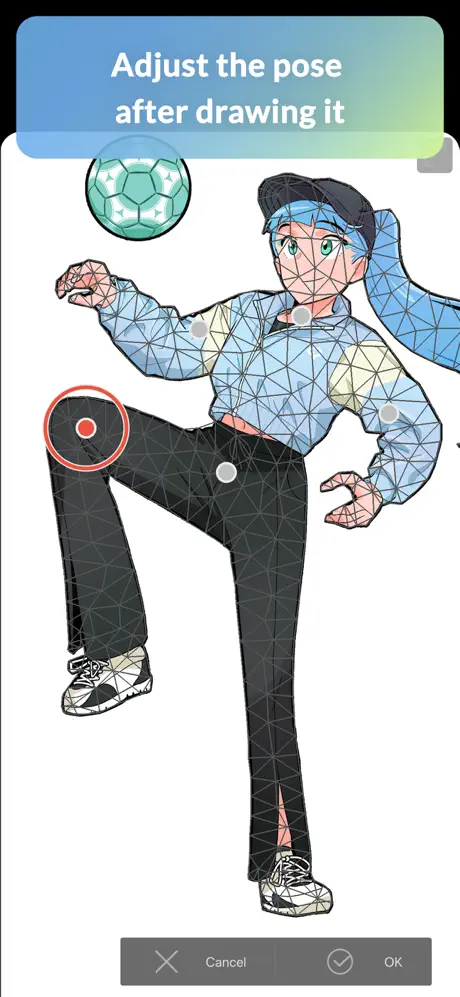
- Editing tools like Liquify, Mesh Transformation, Puppet Warp, and adjustment layers
- Comic creation tools including panel frames, speech balloons, text, effect lines, and screen tones
- Animation support for frame-by-frame work and vector-based export quality
Get the Clip Studio Paint tweak on builds.io — download the IPA and install it on your iPhone in one tap, with no PC needed.